How to Make Gaming Clips With AI in 3 Steps?
Uploading gameplay or pasting a YouTube or Twitch link into the AI gaming clip maker

Step 1

Upload Your Gameplay

Upload your gameplay recording or paste a link from YouTube, Twitch, or Google Drive. Vmaker AI scans the whole video for kills, wins, fails, and big reactions.
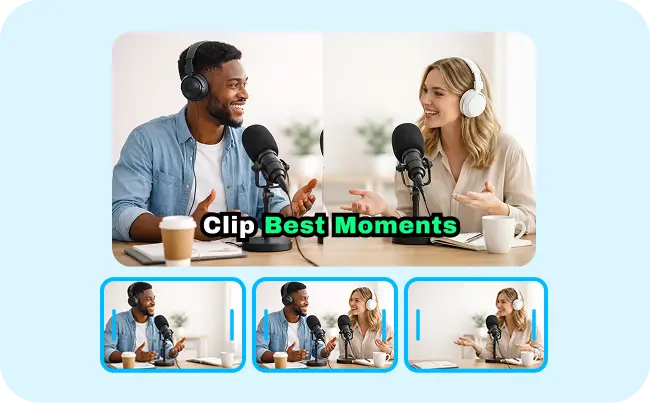
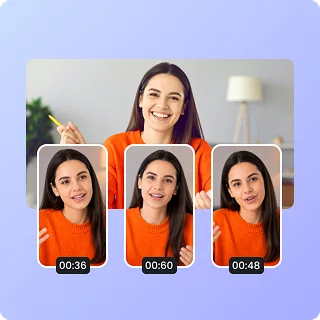
AI reframing wide gameplay into a vertical clip with the facecam in view

Step 2

AI Reframes Your Gameplay

AI auto reframe turns wide gameplay into vertical clips. It follows the action, keeps your facecam in view, and keeps the key moment centered.

Editing captions and music on a gaming clip before export

Step 3

Edit & Export

Add captions, music, and effects, then export in any aspect ratio. Publish straight to TikTok, YouTube Shorts, or Instagram Reels.

What Value Gamers and Streamers Can Enjoy — AI gaming clip maker pricing comparison

Opus Clip

$15 /month

Vizard AI

$14.5 /month

Expression & Emotion Clipping
Prompt-Based Clip SearchComing soonYes
AI Dubbing
Subtitle Translation
Upload Limit
Export Quality1080 p4K
Integration & Direct PublishingUnlimited6 Accounts

Not Just Clips, The Right Gaming Clips

What Makes This AI Gaming Clip Maker Different From Others?

Reaction-Based Clipping

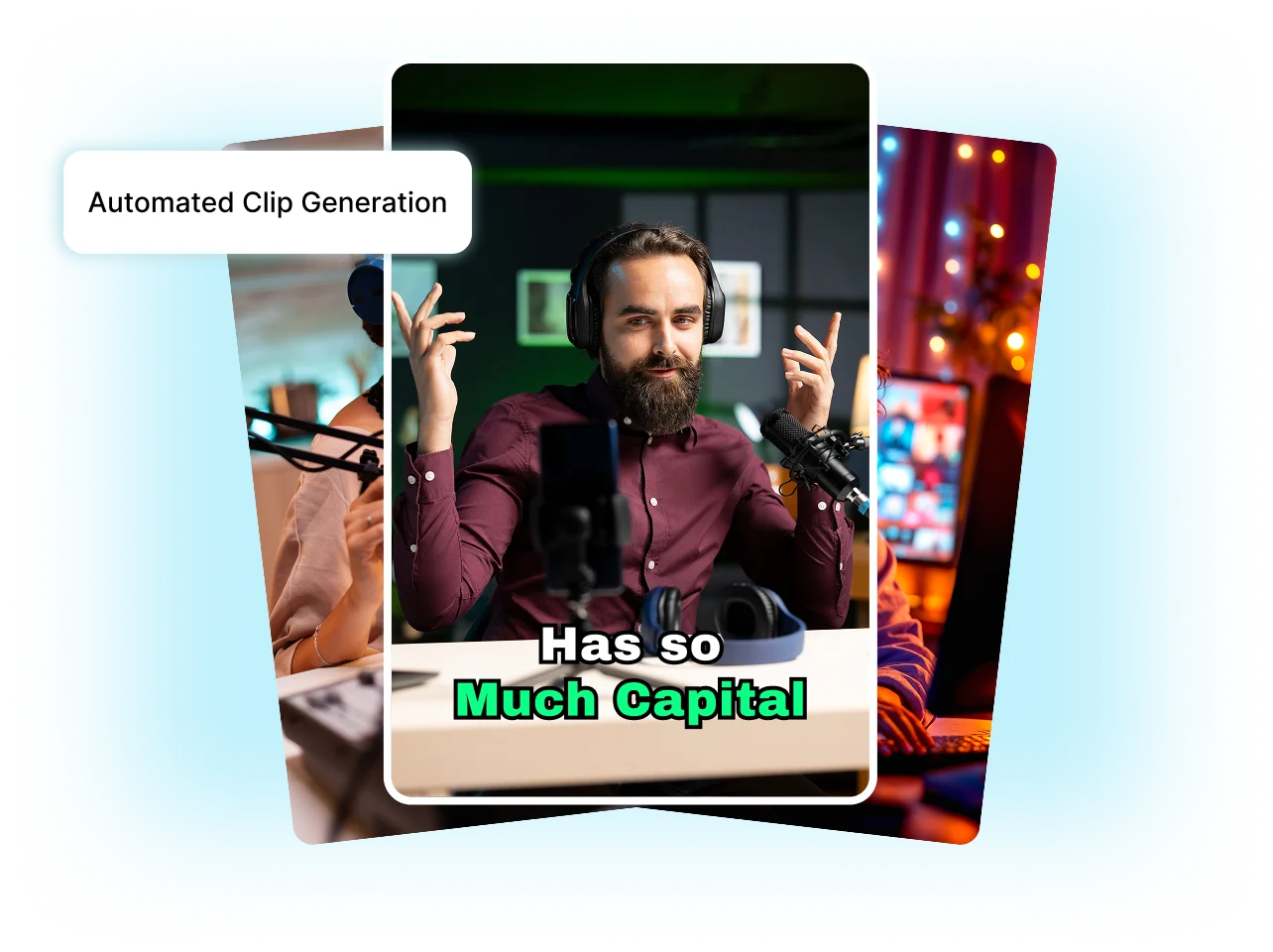
Vmaker AI tracks your voice, facecam, and game audio to spot kills, clutch plays, rage quits, and big laughs. Then it turns them into gaming clips worth sharing.

Reaction-based clipping detecting a gamer's facecam reaction and voice

Hook-First Gaming Clips

The first 3 seconds decide if viewers keep watching. Hook-first clips perform better on YouTube Shorts, Instagram Reels, and TikTok. Vmaker AI reads your full transcript, scores every line, and opens each clip with the strongest moment from your gameplay.

AI picking the strongest hook from a gameplay transcript

Prompt-Based Clip FinderComing soon

Looking for one exact play? Type a prompt like “my clutch rounds” or “funny fails,” and Vmaker AI clips those exact moments for you.

Prompt-based clip finder searching gameplay for clutch rounds

See Why Gamers
Choose Vmaker AI!

Feature

Opus Clip

Vizard AI

Free Plan(60 credits/month, no free editing available)(60 credits/month with full editing access included)
Expression & Emotion DetectionPartial Audio + visual cues
Prompt-Based Clip SearchComing soonText, Visuals & Audio Prompts. Finds scenes, actions, and events specified.
Hook Add-OnHooks generated based on virality of scenes
Non-Audio Video DetectionYes
Transcript-Based EditingYes
AI ReframingYesYes
AI Generated B-RollsYes

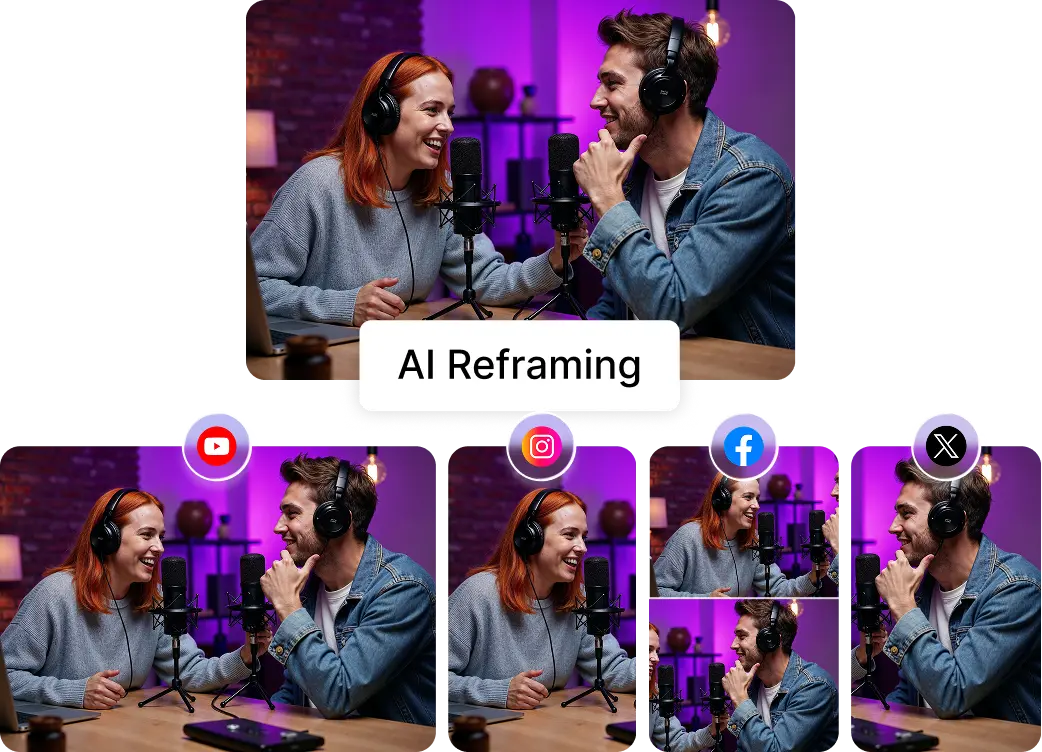
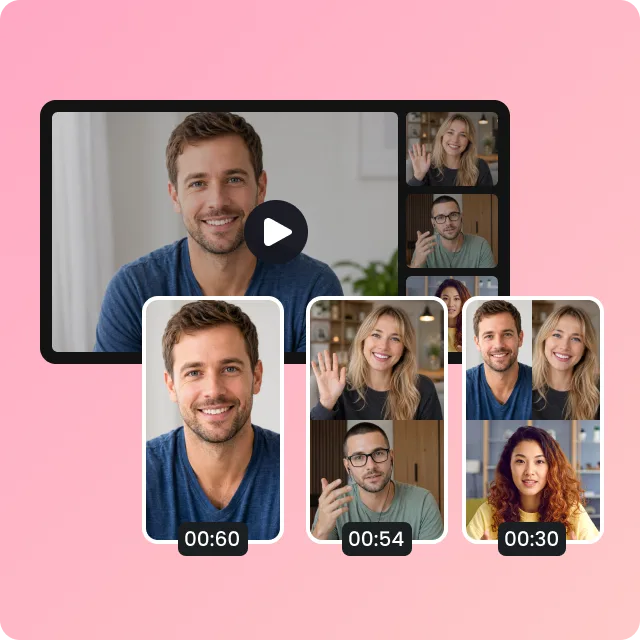
Facecam and Fast Action? AI Reframing Has You Covered

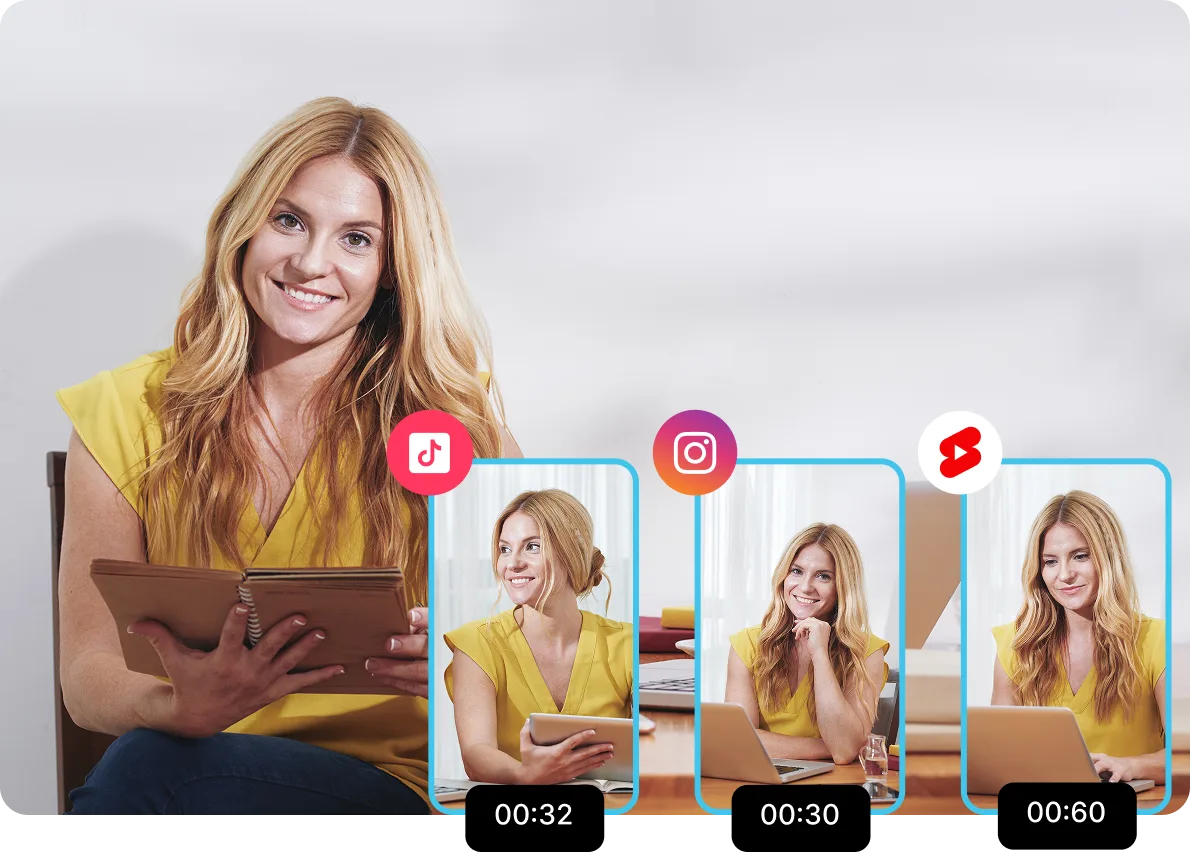
Fast gameplay, a facecam in the corner, or a full squad on screen? AI reframing keeps the right part of the screen in focus, so your vertical gaming clips never miss the play.

Get started
AI reframing a wide video into vertical clips for YouTube, Instagram, Facebook, and TikTok

Level Up Your Gaming Clips With a Complete AI Video Suite

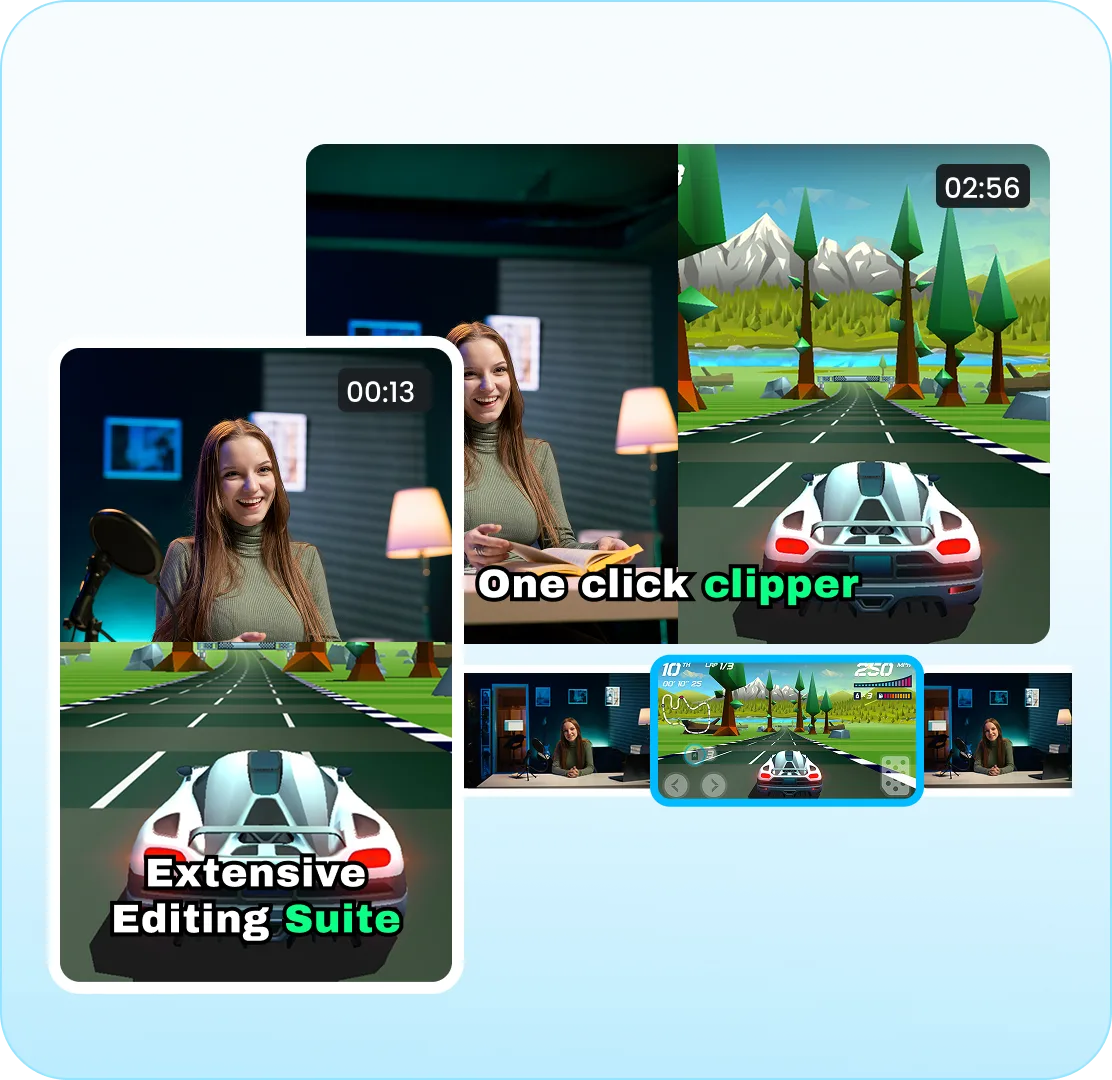
Clipping is just the start. Once your gameplay is turned into short clips, Vmaker AI gives you the tools to edit them to match your style.

Vmaker AI video editing suite with one-click clipper and extensive editing tools
  • Add AI subtitles in 75+ languages so every viewer can follow the action.
  • Dub your gaming clips into other languages with accurate lip sync.
  • Insert AI generated B-rolls to boost visuals and keep viewers watching.
  • Remove backgrounds, clean up visuals, and polish your clips instantly.
  • Customize everything inside a full AI video editor built for speed.
Create Gaming Clips

All-in-one AI editor Built for Gamers Who Want to Automate Editing

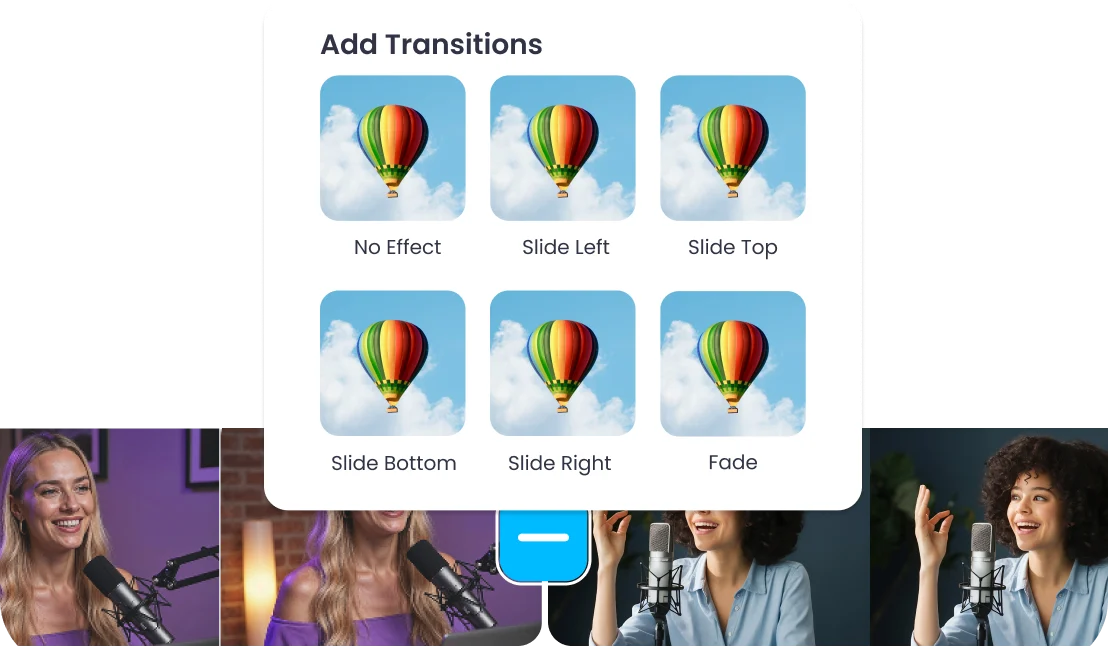
Make Every Gaming Clip Flow With AI Transitions

Add smooth fades and quick cuts that make your gaming clips feel planned, not chopped. Good transitions make a 60-second clip feel like a real highlight, not just cropped footage.

AI transitions between gaming clip scenes

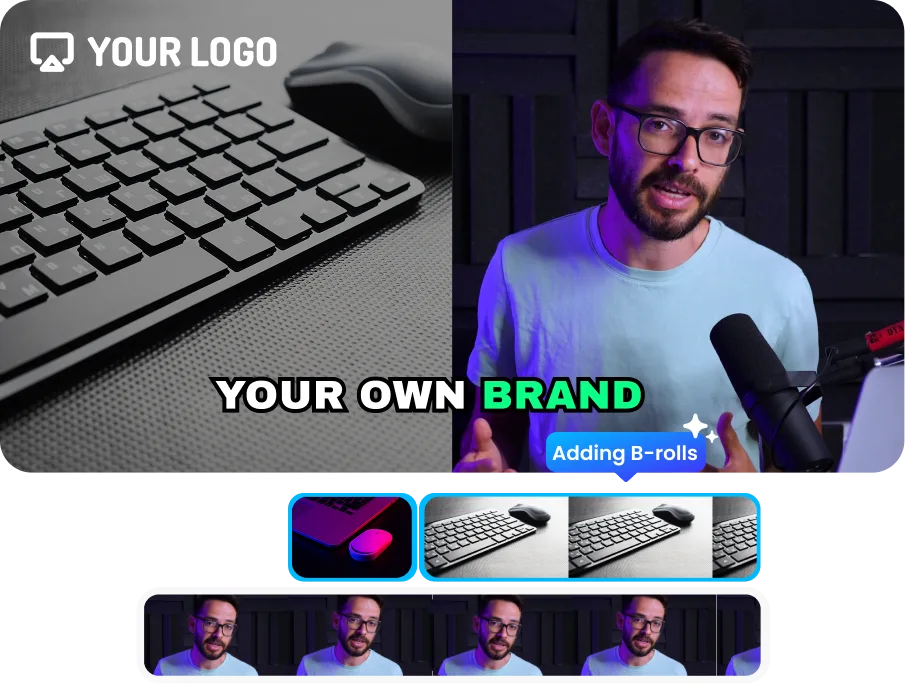
B-Rolls for More Engagement

Ranked match, speedrun, or chill stream, AI generated B-rolls add extra visuals that grab attention. They also cover slow moments, loading screens, and pauses, so your clip feels like content, not a raw recording.

AI generated B-roll added to a gaming clip

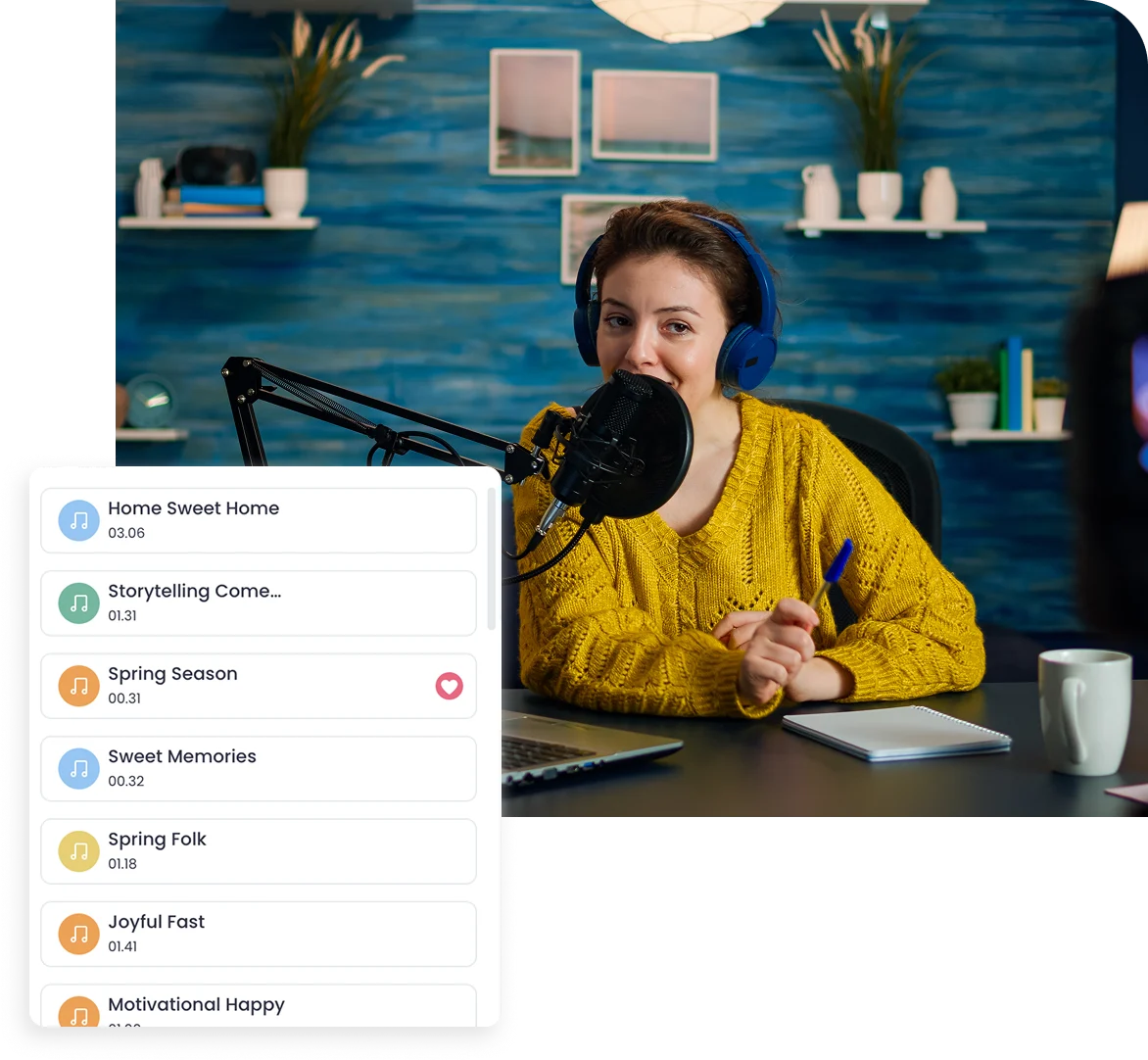
Add Background Music That Matches the Hype

Pick a vibe and add music from our built-in library to keep viewers past the first few seconds. The right track sets the mood before the action even starts. It's the difference between a flat clip and one that pulls viewers in. Gaming clips with the right music often get pushed harder by the algorithm.

Adding background music to a gaming clip

For Gamers and Streamers Who Move Fast

Brand Every Gaming Clip

Set your fonts, colors, logo, intros, and outros once. Then drag and drop them onto every gaming clip you make, so your channel always looks on brand.

Have a Unified Workspace

Running a gaming channel with editors or a clip team? Set up a shared workspace so everyone works on the same project. No more 'which version did you send me?' back and forth.

Directly Publish to Your Socials

Connect your TikTok, YouTube, and Instagram to Vmaker AI and publish your gaming clips directly, without switching between apps and devices.

Turn Any Gameplay Into Short,
Shareable Gaming Clips With AI

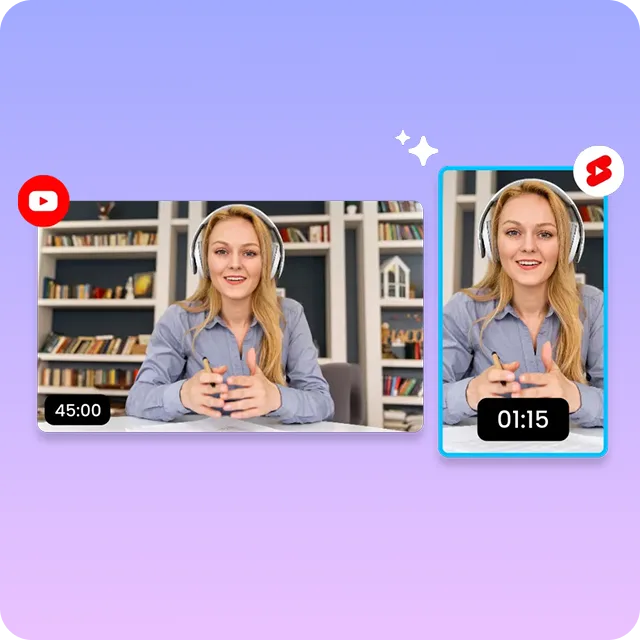
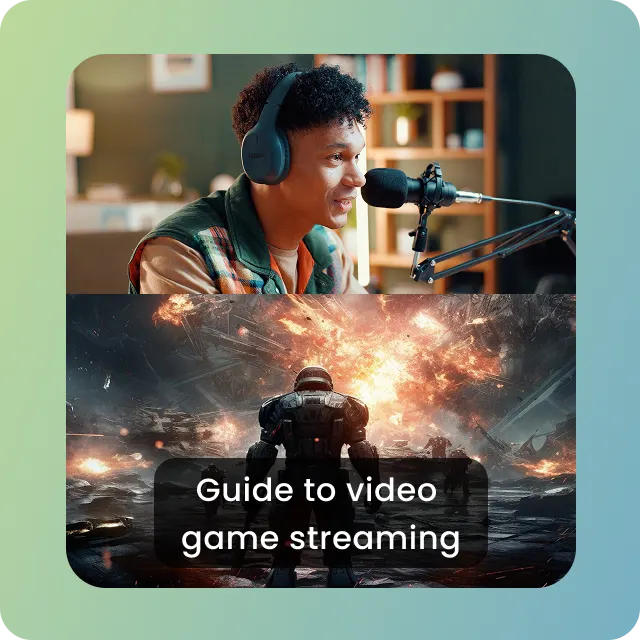
YouTube gaming video turned into Shorts

YouTube Gaming Videos

Upload your gaming videos and let Vmaker AI's long video to short video AI pick highlights, add subtitles, and format clips for Shorts. Great for let's plays, walkthroughs, game reviews, and montages.

Twitch stream clipped into highlights

Twitch Streams

Clip Twitch streams without scrubbing through hours of footage. The AI Twitch clip maker finds key reactions, highlights, and viral moments in minutes. Ideal for live gameplay and reaction streams.

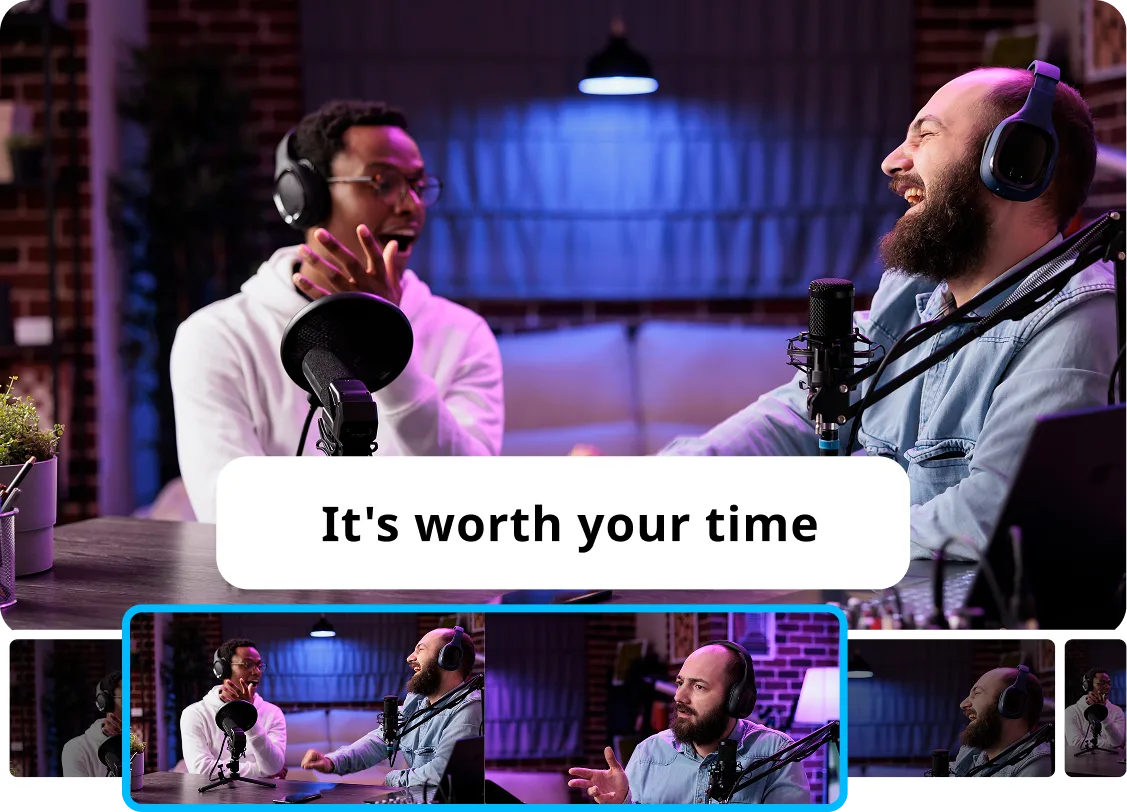
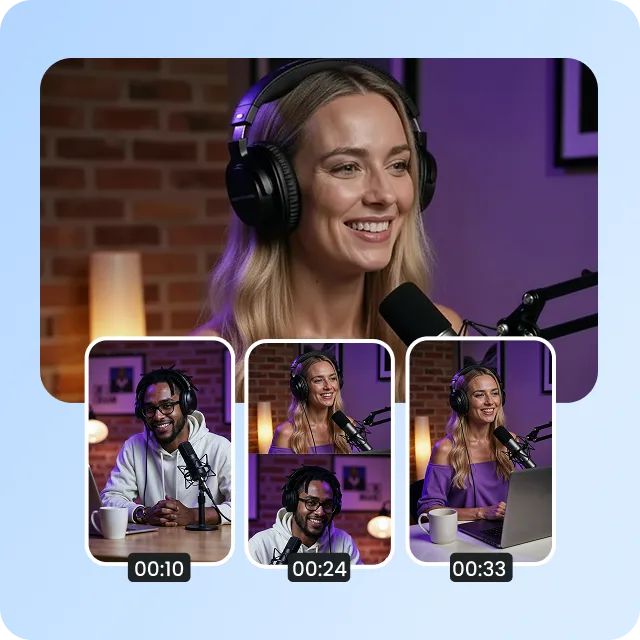
Gaming podcast turned into short clips

Gaming Podcasts

Turn gaming podcasts and talk shows into short clips with an AI podcast clip generator. Get hot takes, funny moments, and game news highlights in seconds.

Esports tournament highlight clips

Esports & Tournaments

Cut long tournament broadcasts and esports matches into quick highlight clips. Share clutch plays, final rounds, and crowd reactions while the hype is still fresh.

Game guide broken into short tutorial clips

Game Guides & Tutorials

Break long game guides into short clips with clear tips, builds, and step-by-step strategies. Great for walkthroughs, boss guides, loadout tips, and beginner tutorials.

Speedrun personal best clip

Speedruns & Personal Bests

Capture world records, personal bests, and wild skips the moment they happen. Share your speedrun highlights without rewatching hours of attempts.

Some snippets from Customer's Love

  4.7  (103)

FAQs

An AI gaming clip maker is a tool that turns long gameplay videos and streams into short clips. It finds the best moments, like kills, wins, fails, and funny reactions, so you don't have to edit by hand.

Paste a YouTube or Twitch link, or upload your gameplay to Vmaker AI's free gaming clip generator. The AI finds highlights, adds captions, and turns your video into short clips for TikTok, YouTube Shorts, and Instagram Reels.

Yes. With Vmaker AI you can upload gameplay, generate gaming clips, and edit them for free. Paid plans unlock higher limits and more features.

Videos with clear action and strong reactions work best. FPS matches, battle royale games, speedruns, horror games, Twitch streams, and let's plays all make great short clips.

Yes. Paste your Twitch VOD link and the AI Twitch clip maker finds key reactions, highlights, and hype moments from long streams. No manual searching or editing needed.

A lot. Editing by hand means rewatching hours of footage, cutting dead time, and resizing each clip for every platform. With AI clipping, you upload your stream once and get ready-to-post clips in minutes, so you can spend more time playing.

Yes. Vmaker AI lets you add subtitles in 75+ languages and dub your clips in 35+ languages, so gamers around the world can enjoy your content.

It depends on the length of your video and how much action it has. Longer streams give you more clips. You'll often get 5 to 15 clips ready to post.

It works with any game, from FPS and battle royale to MOBA, sports, horror, and speedruns. Upload MP4 or MOV files from your device, or paste links from YouTube, Twitch, Instagram, and TikTok.

Yes. AI reframing turns wide gameplay into 9:16 vertical clips. It keeps the action and your facecam in view, so your clips look great on TikTok, YouTube Shorts, and Reels.

Explore More Video Tools